How-to guides
How to sync ARR, MRR and invoices back into your CRM
October 21, 2026
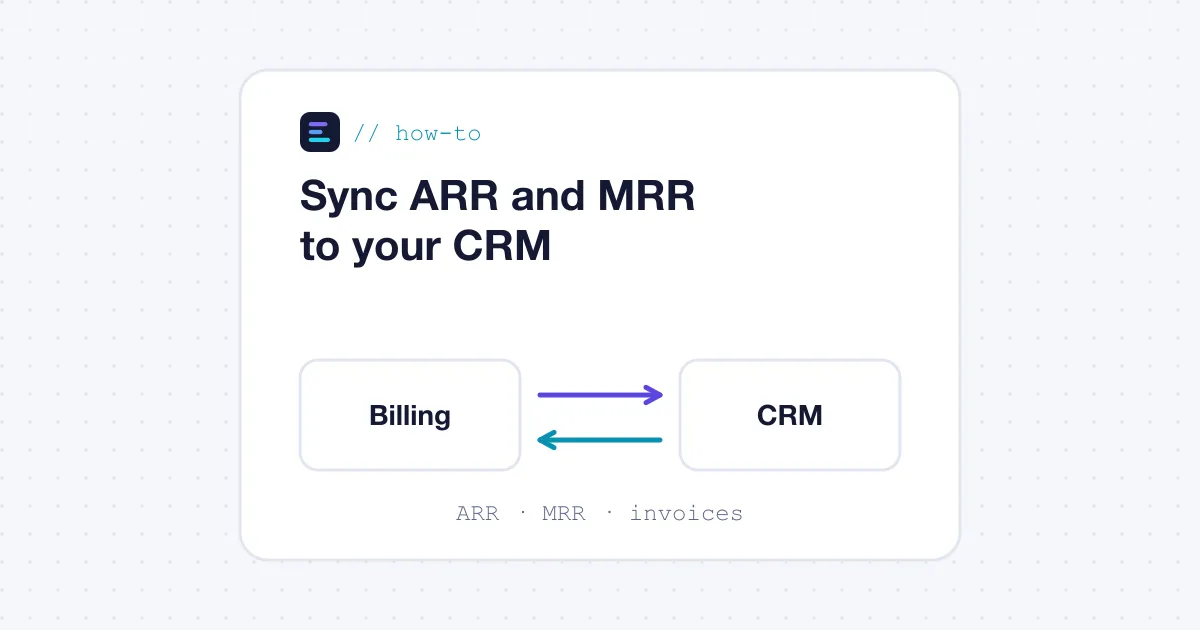
To get ARR, MRR and invoice data into your CRM, let the billing system be the source of truth and push its numbers to the CRM through a two-way sync: deals and quotes go from the CRM to billing, and subscriptions, invoices, payment status and recurring revenue come back onto the company and deal records. The sync should run on events (invoice issued, payment failed, plan changed), not on a nightly CSV export. A CRM widget that shows the live billing view inside the record covers what the synced fields cannot.
Why the CRM needs billing data at all
Sales, account management and customer success work in the CRM. When a rep opens an account before a renewal call, they need to know three things: what the customer pays today, whether the last invoices were paid, and how revenue on the account has moved. If that information lives only in the billing system, someone has to ask finance, or the rep goes into the call blind.
The reverse direction matters too. A closed-won deal in the CRM should create the customer and the subscription in billing, so nobody re-types the contract. That is why the useful setup is a two-way sync, not a one-way export.
How a two-way CRM sync works
A typical setup has four flows:
- Account and contact mapping. Each CRM company is linked to one billing customer by a stable ID stored on both sides. Matching on company name alone breaks the first time two subsidiaries share a name.
- Deal to subscription. When a deal is closed-won, the quote lines (products, prices, discounts, dates) become a subscription in billing. See CPQ and billing: one platform or two? for how that handoff is usually designed.
- Billing to CRM fields. The billing system writes back a set of properties on the company record: current MRR, ARR, plan name, next renewal date, outstanding balance, last payment status. Invoices are often written as a custom object or as line items under the company.
- Events. Failed payments, cancellations, upgrades and usage thresholds can trigger CRM tasks or workflow changes, such as alerting the account owner when a card fails.
A CRM widget (an embedded card inside the CRM record) adds a live view of invoices, subscriptions and usage that does not need to be copied field by field. It is useful for detail; synced fields are still needed for reports and workflows, because CRM reporting can only use data stored in the CRM.
Worked example
This is an illustrative example, not a specific customer.
A company sells a $2,000 per month platform plan plus usage billed in arrears. A customer signs in March. In April the customer adds 10 seats at $50 each.
| Event | What billing writes to the CRM company record |
|---|---|
| Deal closed-won (March 1) | Customer created, subscription active, MRR $2,000, ARR $24,000, renewal date next March 1 |
| April 1 invoice issued, $2,000 + $340 usage | Invoice record added, outstanding balance $2,340 |
| April 3 payment succeeds | Last payment status: paid, balance $0 |
| April 15 seats added | MRR $2,500, ARR $30,000, an expansion line logged with the date |
| May 1 card declined | Last payment status: failed, task created for the account owner |
Two definitions need to be settled before anything is synced. First, does MRR include usage? Most finance teams exclude variable usage from contracted MRR, or show it in a separate field, so the April usage of $340 above does not change MRR. Second, does ARR come from the contract or from invoices? A contract-based ARR moves on April 15 when the seats are added; an invoice-based ARR moves only when the next invoice goes out. Pick one and write it down, because the CRM will show whatever the billing system sends.
Common pitfalls
- Two systems computing MRR. If the CRM recalculates MRR from deal amounts while billing computes it from subscriptions, the numbers drift within a quarter. Compute recurring revenue in one place, the billing system, and treat the CRM field as read-only. Our page on live ARR and MRR reporting lists platforms that document this metric.
- Sync on a schedule only. A nightly batch means a rep can call a customer whose card failed this morning without knowing. Ask for event-based updates on payment status at least.
- Field sprawl. Writing every invoice line into the CRM fills it with records nobody reads and can hit API limits. Sync summary fields and let the widget show the detail.
- Ownership of edits. If a rep edits a price on the CRM side after the subscription exists, which side wins? A clear rule (billing wins for anything after signature) avoids silent overwrites.
- Currency. A customer billed in EUR needs ARR in EUR and in your reporting currency, with a stated exchange rate date.
- Merged or deleted CRM records. When sales merges two duplicate companies, the billing link must follow, or invoices start landing on an orphaned record.
Checklist: what to ask a vendor
- Is the CRM integration two-way, and which objects move in each direction?
- Is it a native, maintained connector for your CRM (for example HubSpot or Salesforce), or does it rely on a third-party middleware?
- Which fields are written back: MRR, ARR, renewal date, balance, payment status, plan, usage?
- How are MRR and ARR defined, and can you configure what counts (usage, one-time fees, discounts)?
- Are updates triggered by events, and how fast do they reach the CRM?
- Is there a CRM widget, and what does it show without leaving the record?
- What happens on conflict, on record merges, and when the sync fails? Is there an error log?
Which quote-to-cash platforms document it
The table below ranks the platforms in our scorecard that document both a two-way CRM sync and MRR and ARR reporting. 32 of the 44 platforms we score document a two-way CRM sync, 31 document a CRM widget, and 27 document both the sync and MRR and ARR metrics.
| # | Platform | Score | Two-way CRM sync | MRR and ARR | CRM widget |
|---|---|---|---|---|---|
| 1 | Hyperline | 88.7 | Core strength | Core strength | Core strength |
| 2 | Maxio | 80.4 | Supported | Core strength | Supported |
| 3 | Nue | 80 | Core strength | Core strength | Core strength |
| 4 | Solvimon | 79.4 | Supported | Supported | Supported |
| 6 | Zenskar | 77.5 | Core strength | Core strength | Supported |
| 7 | Younium | 76.6 | Core strength | Core strength | Supported |
| 8 | Sequence | 76.4 | Core strength | Supported | Supported |
| 9 | Alguna | 75.9 | Add-on | Supported | Add-on |
| 10 | Chargebee | 74.3 | Add-on | Core strength | Add-on |
| 11 | BillingPlatform | 74.1 | Supported | Supported | Supported |
Top 10 of the 23 platforms that document all of these capabilities, by score.
The full ranking for this need is on our two-way CRM sync page, and the method behind the levels is on the scoring criteria page.
FAQ
Should MRR be calculated in the CRM or in the billing system?
In the billing system. It knows the actual subscriptions, discounts, credits and cancellations. The CRM should receive the result as a read-only field, so sales and finance report the same number.
Is a CRM widget enough without a field sync?
Usually not. A widget is good for viewing invoices and usage inside a record, but CRM reports, dashboards and workflows can only use data stored as CRM fields. Most teams need both.
How often should billing data reach the CRM?
Payment failures, cancellations and plan changes should arrive within minutes, triggered by the event. Slower-moving summary fields such as ARR can tolerate an hourly or daily refresh if your CRM’s API limits require it.
Was this guide useful?
Get the next how-to guide and the scorecard updates by email.
Scorecard updates only. Unsubscribe at any time. See our privacy policy.